
iOS support V4.1.1 2026.2.8Released
macOS support V4.1.1 2026.2.8Released
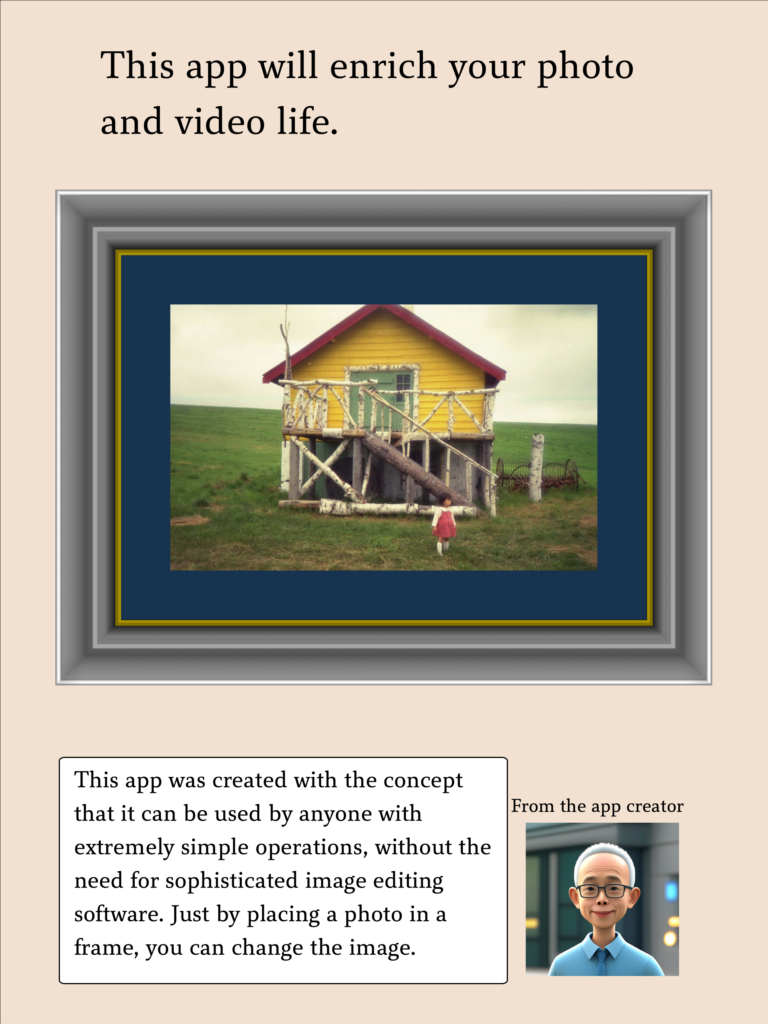
We will process your beautiful photos into a frame.
How to use (mac, iPad & iPhone)
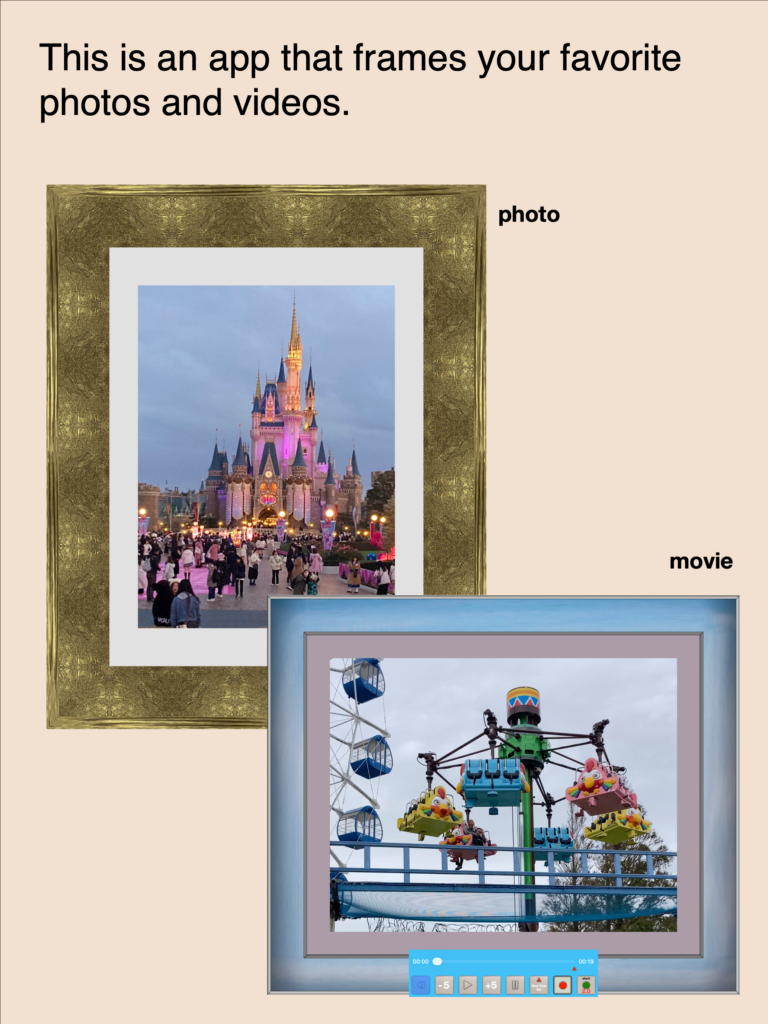
Preview Video
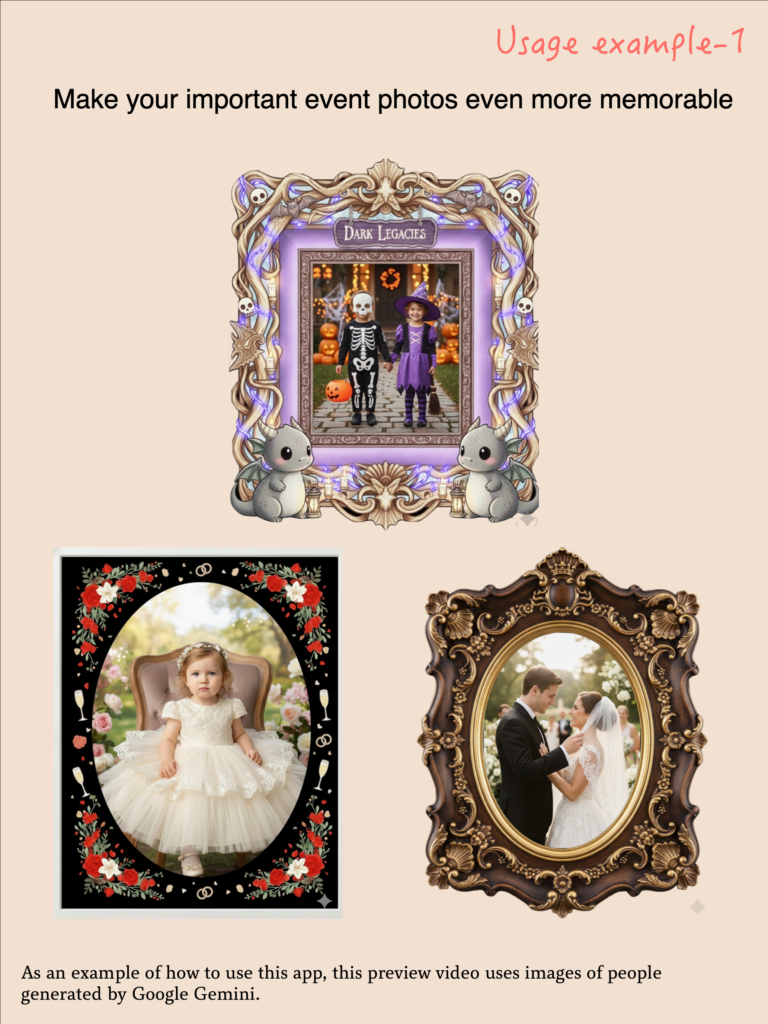
Samples Using This App 1 (Mac, iPad & iPhone)
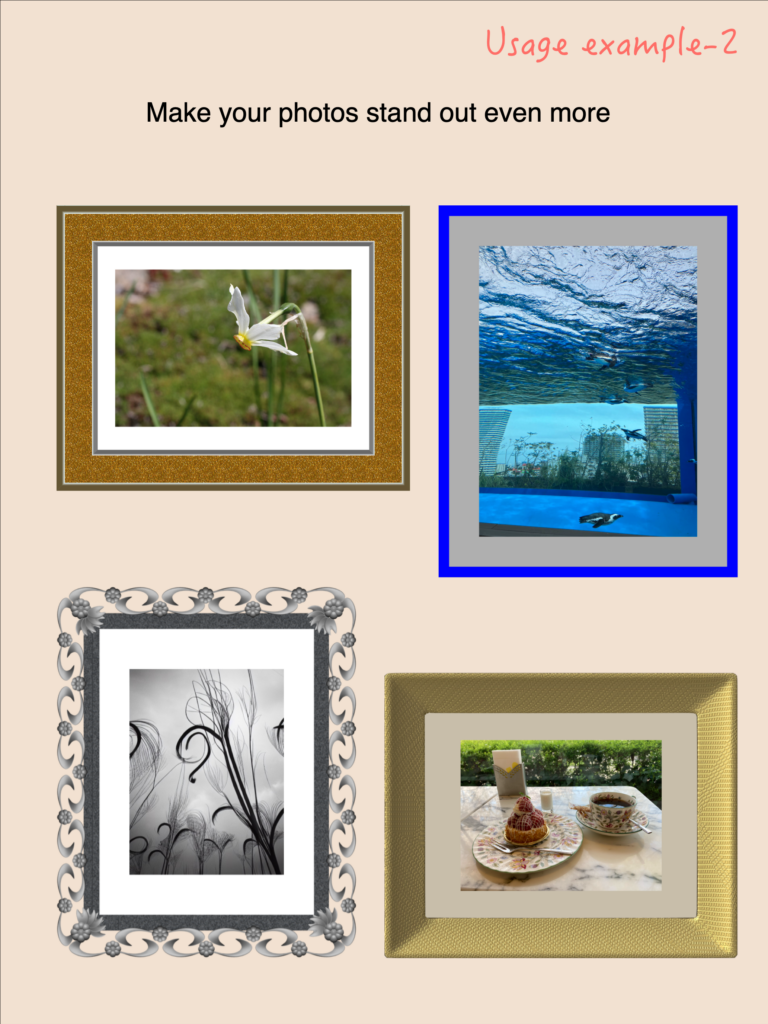
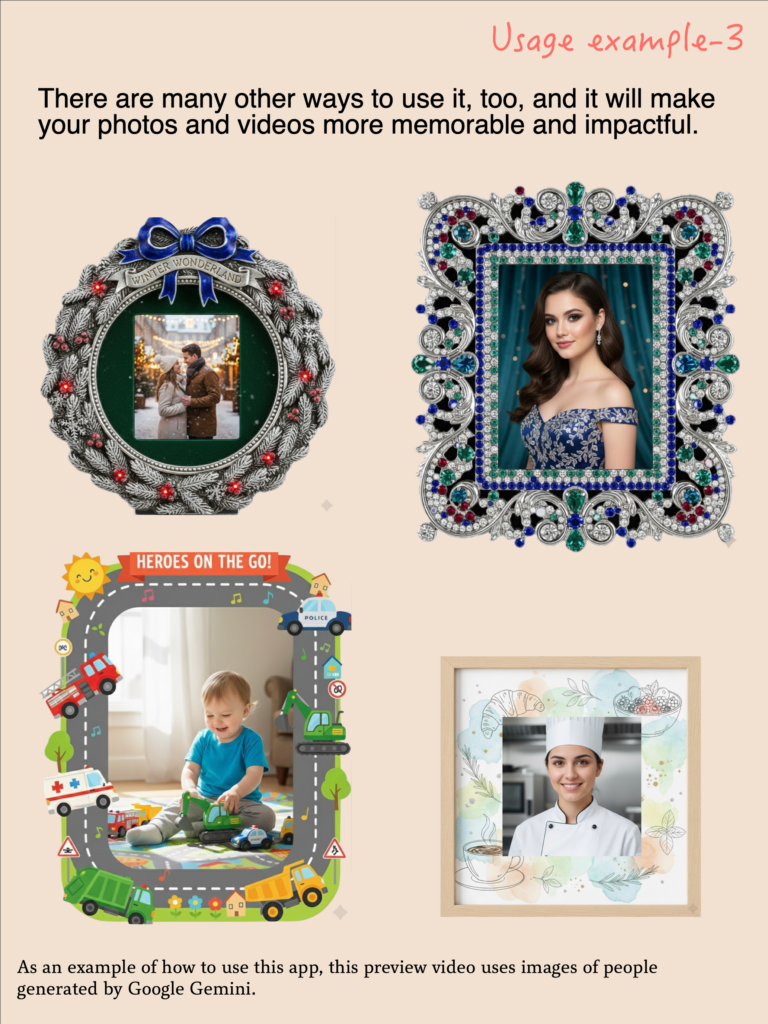
Samples Using This App 2 (Mac, iPad & iPhone)
Operation (Mac, iPad & iPhone)
This app will process your beautiful photos and videos to make them appear as if they’re in a frame.
Why not display your favorite photos and videos in a frame?
Of course, displaying them in a realistic frame will make them look even more stunning, but even if you don’t want to use a frame, this app can easily create a realistic look.
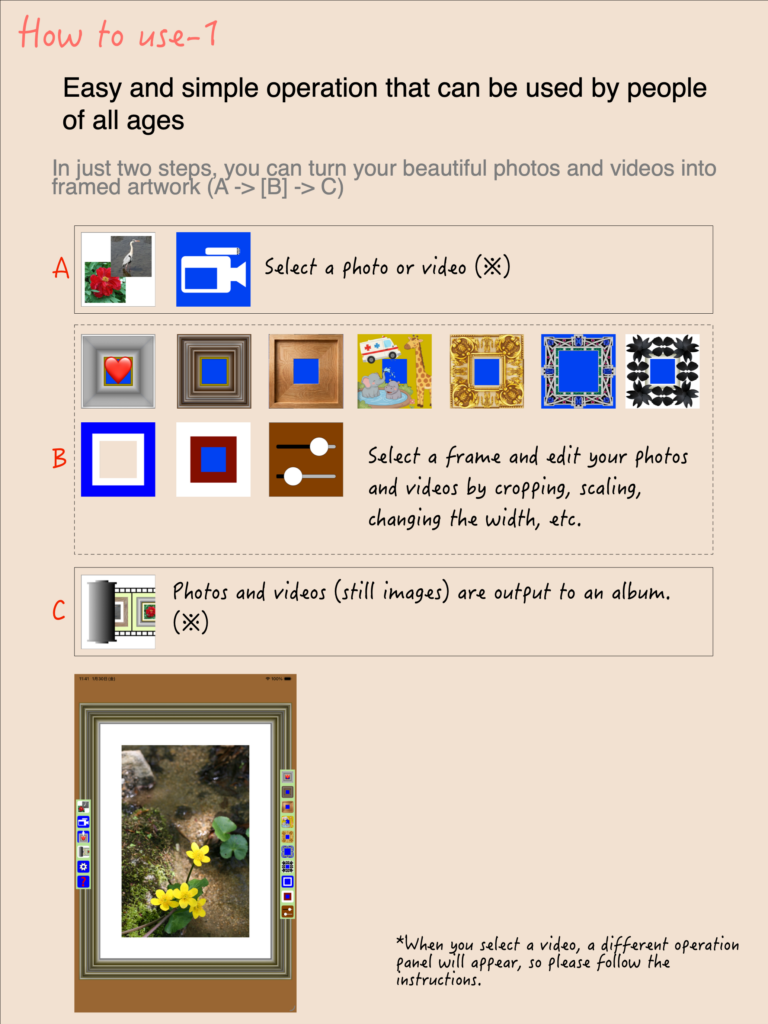
This app can do two things.
The first is to add a frame to a photo file or a single frame of a video and output it as an image file.
Input: A single photo or video frame from your Photo Library
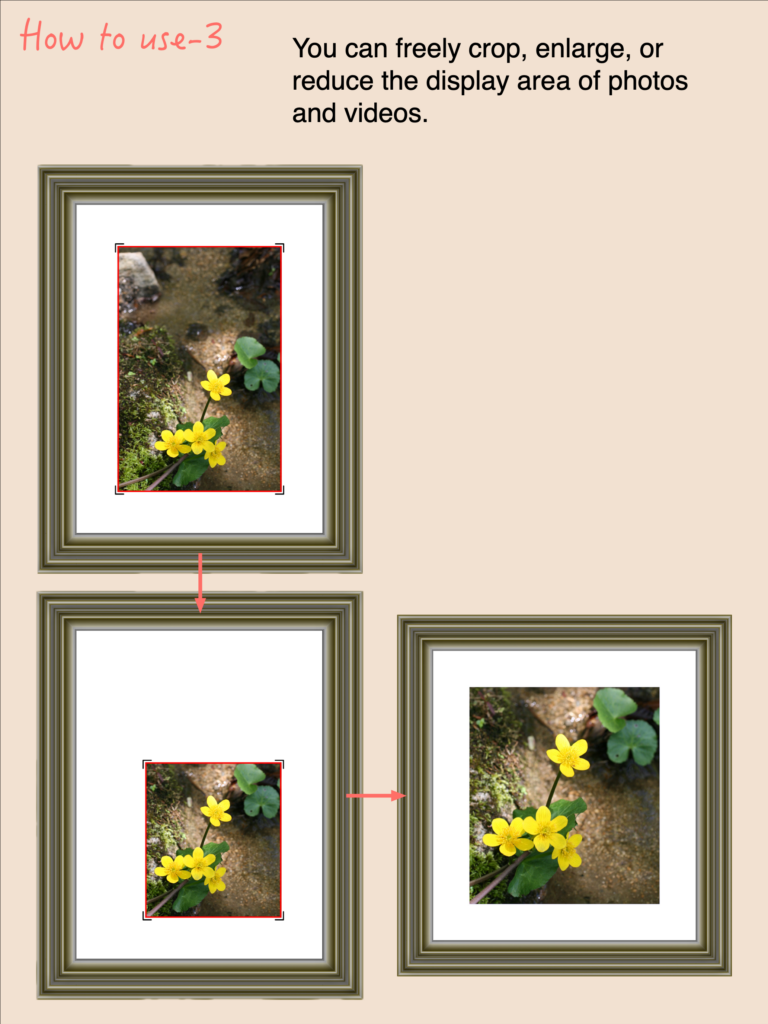
Processing: Cropping (trimming) the image
Output: Photo Library
Output format: JPEG or PNG
Output size: 4 settings
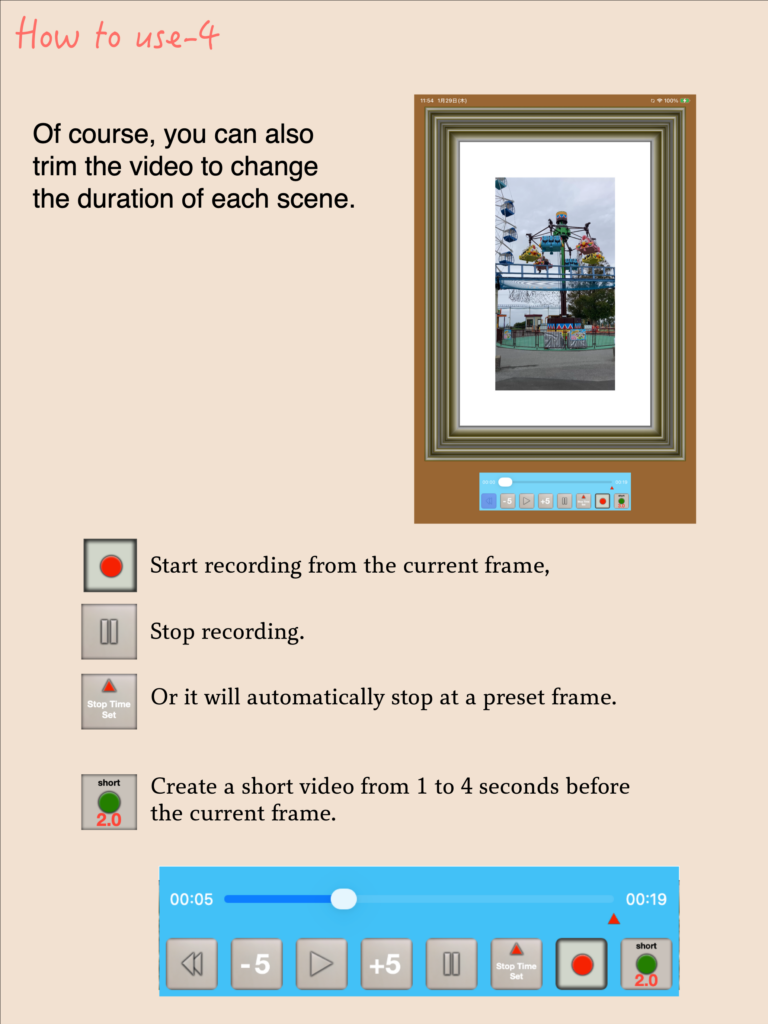
The other is to add a frame to the video itself and output it as a framed video.
Input: Videos from your Photo Library
Processing: Image cropping and video trimming
Output: Photo Library
Output format: MP4
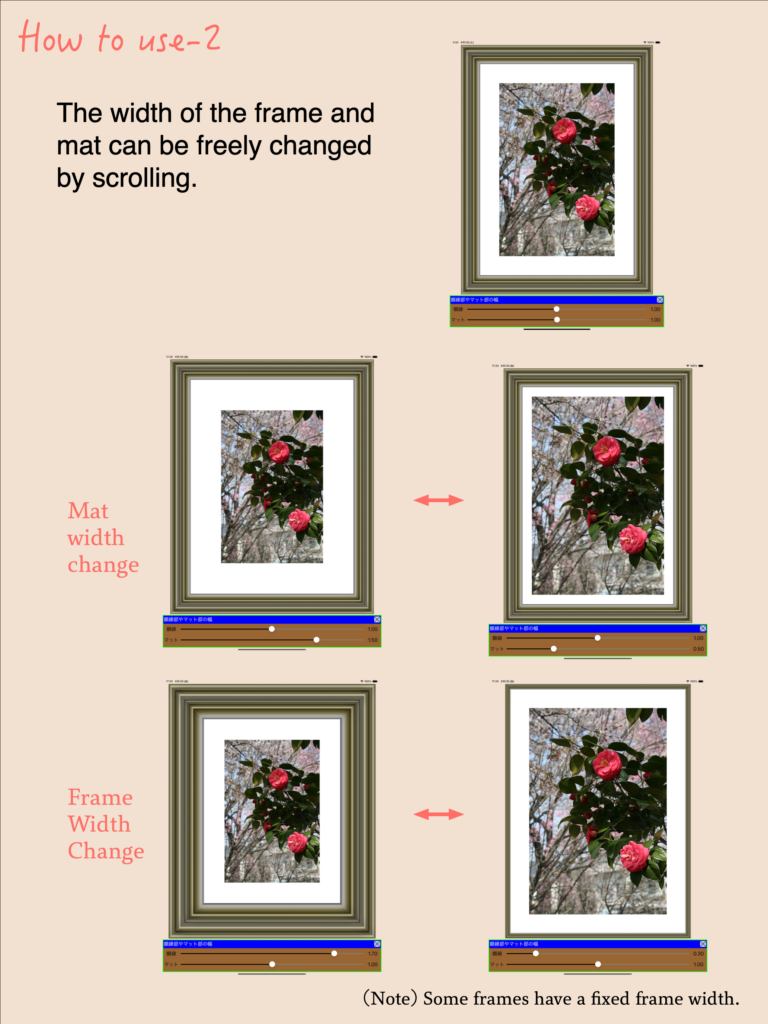
A wide variety of frame designs are available, and the mat width is customizable. Depending on the frame type, the frame width can also be freely adjusted.
We live in a world where image generation is possible with AI.
However, for those who are frustrated by the time-consuming generation process, difficult prompts, or concerns about privacy, this app specializes in framed photos and videos, operates entirely within the device with no external information exchange, and displays them quickly just by selecting them. Feel free to upload to social media or send photos and videos edited with this app to friends to highlight the beauty of your photos and videos. Just imagine the impressed faces.
Recent Comments